Arp
Revoice chords, carve out basses and melodies, and turn static blocks into rhythm.
Arpeggiator
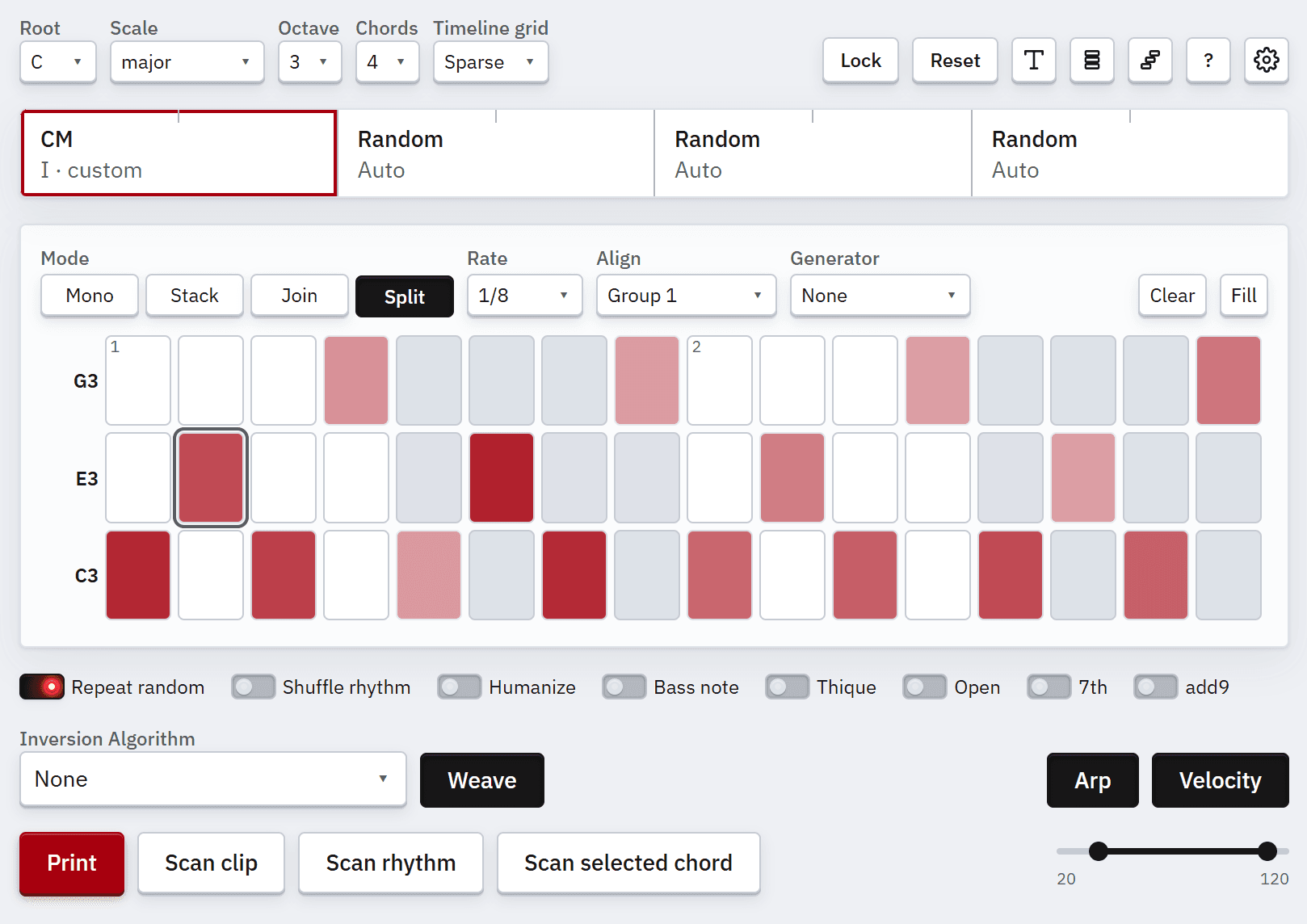
When toggled on, the arp editor gives us precise control of how each chord gets printed.
Arp Grid
Paint the arp pattern for the active chord: rows are notes (lowest at bottom), columns are rate steps. Clicking and holding a mouse either creates multiple notes, or deletes them.
Some shortcuts change their function based on whether a cell is focused or not. For example if a cell is focused, "E" toggles the note event. If a cell is not focused, "E" creates a new chord on the timeline, just like when the Arp view is off.
Apart from pressing "X", clicking the current chord on the timeline also loses the Arp grid focus.
Resize and Velocity
With the mouse: Shift + click-hold on a cell edge, then drag left or right to shorten or lengthen the note. Ctrl + click-hold and drag up or down to raise or lower that cell's velocity.
Arp mode dictates how cell resizing works.
With the keyboard, the same moves work on a focused cell:
Octave Jumps / Revoicing
With a focused cell, Shift+ArrowUp and Shift+ArrowDown move that row's note up or down by an octave. Rows re-sort so the lowest note stays at the bottom.
With no cell focused, Shift+ArrowUp raises the lowest note of the active chord by an octave, and Shift+ArrowDown lowers the highest note.
You can also drag a note name up or down; on release it snaps to the row that octave lands on.
Mode
Mode sets how painting works.
Mono keeps one note per step.
Stack toggles a whole column for every row.
Join merges adjacent slots into longer notes.
Split keeps separate attacks.
The difference between modes becomes clear when stacking notes and resizing them.
Rate
Rate is the subdivision of the active chord's duration. 1/8 means the chord is split into eighth
notes.
Align
Align links chords so they share arp settings within a group. A group marked with + does not exist
yet and is created when you choose it. Choosing an existing group copies that group's arp
configuration to the current chord. Useful for call and response and other shapes that repeat.
Generator
Generator chooses how the layout is built with generative algorithms on each print. Each arp mode has its own set of generators.
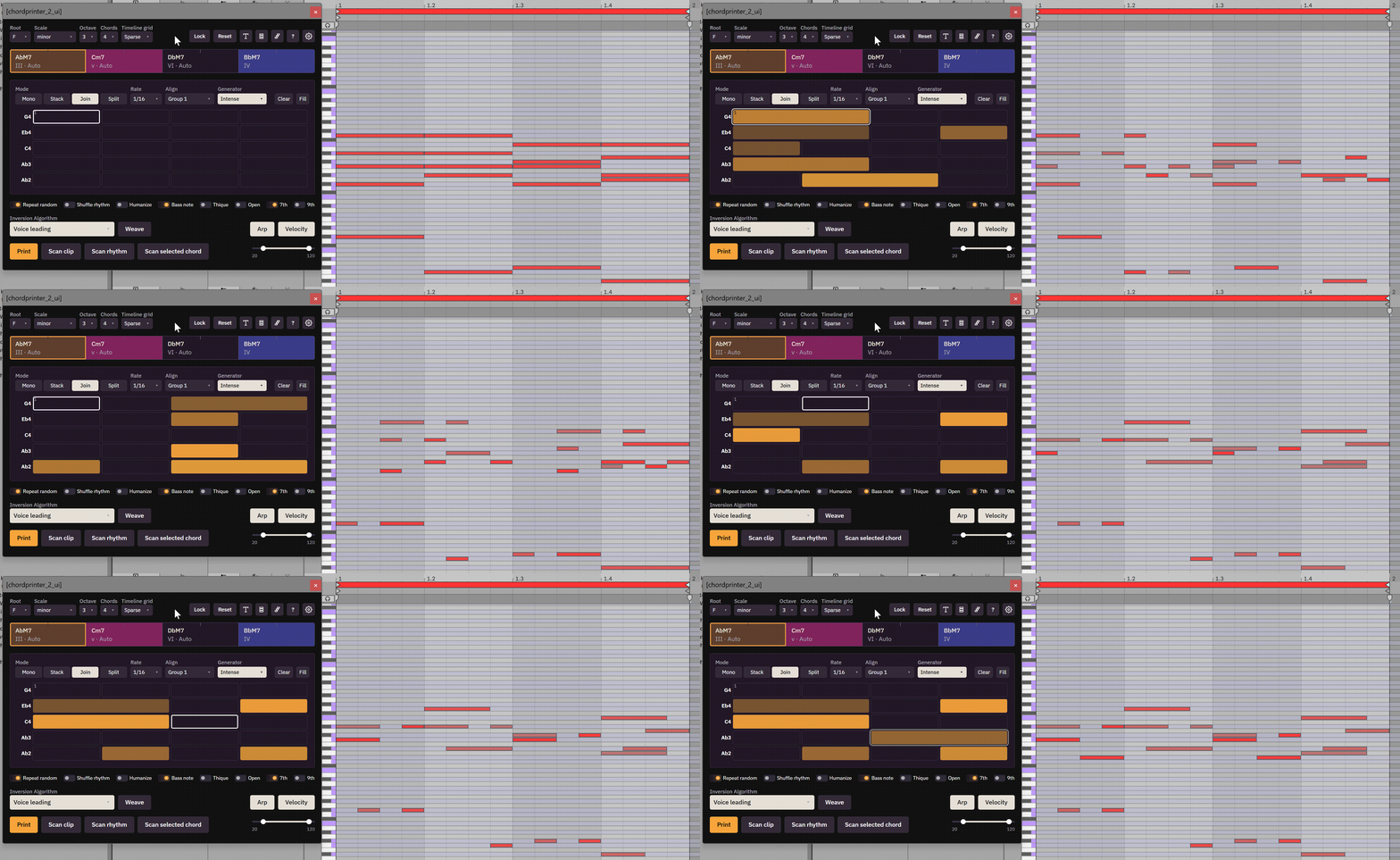
Clear and Fill
Clear wipes every cell and resets velocities and column widths. Fill extends the pattern from the focused cell through the rest of the grid, so you can build arp patterns quickly.
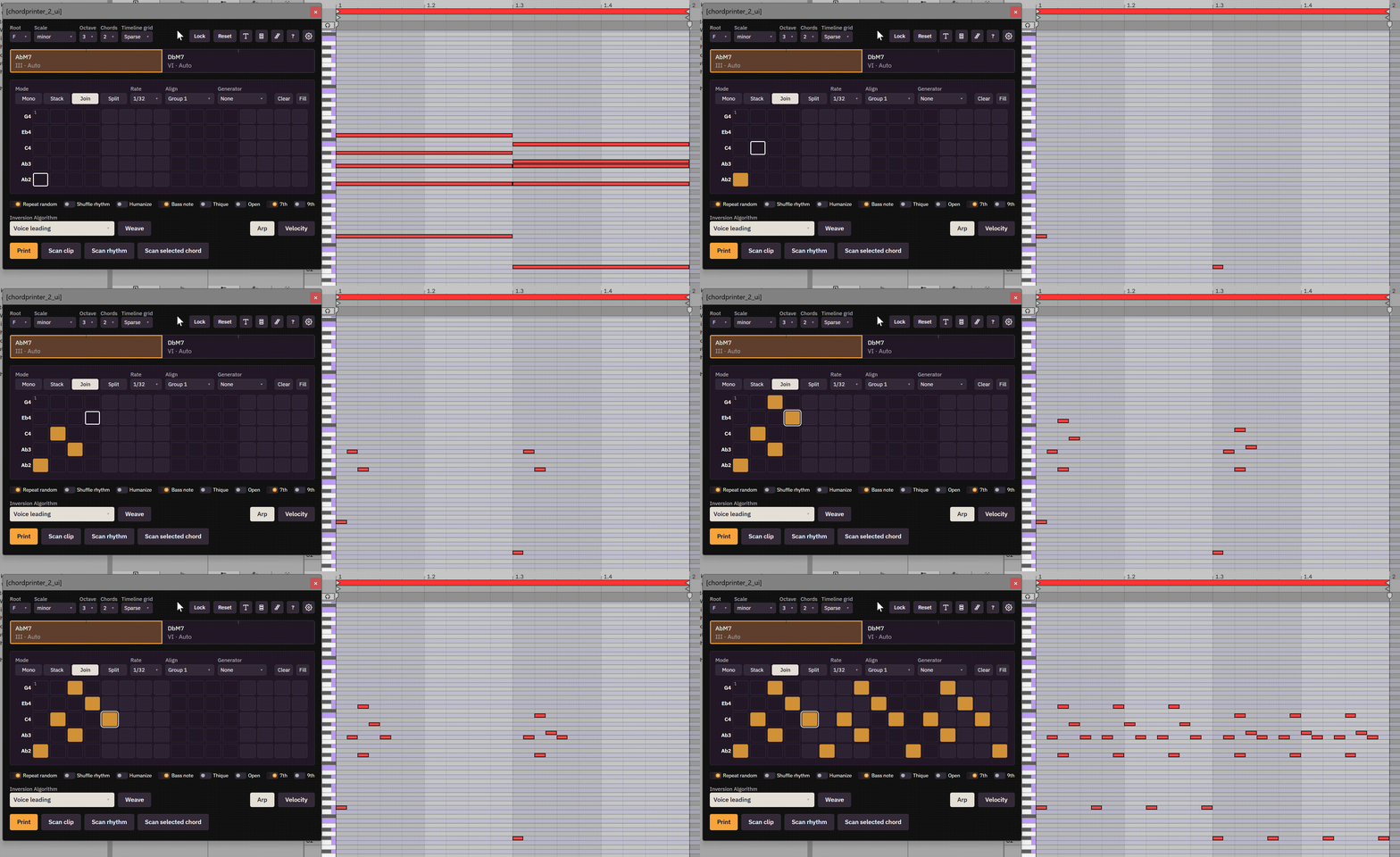
Fill Gestures
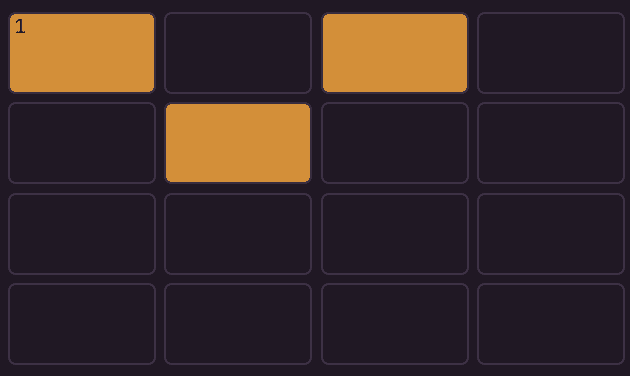
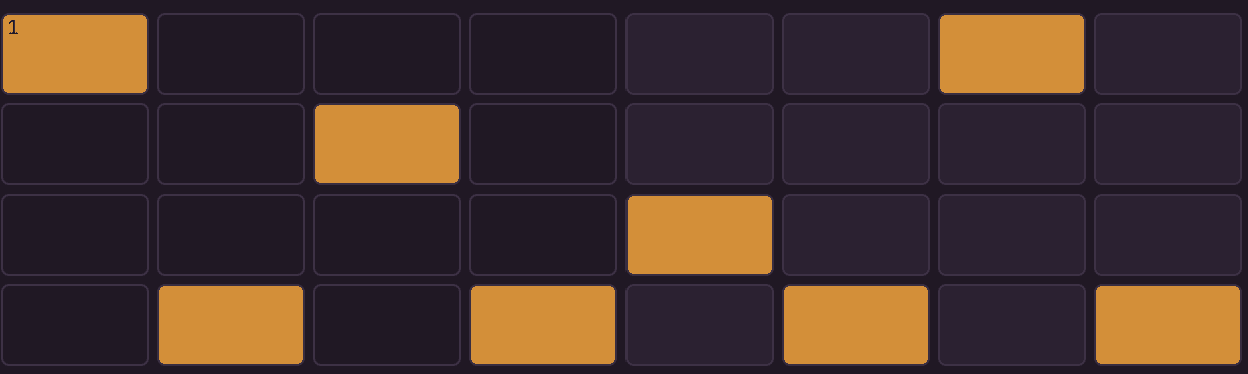
There are some arpeggiation patterns that are very common, like up or down. To get these quickly, fill out a couple of specific cells and click Fill. Here is the full list of gestures and the patterns they produce:
Up
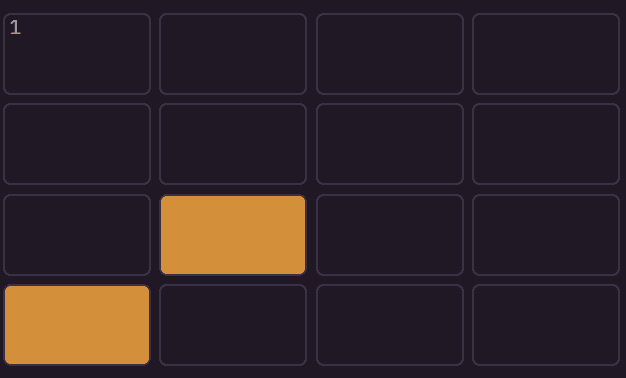
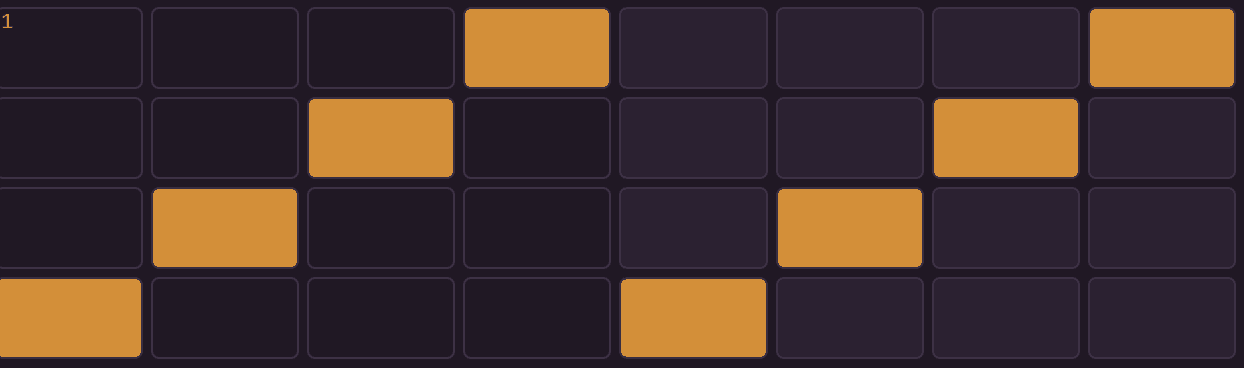
Down
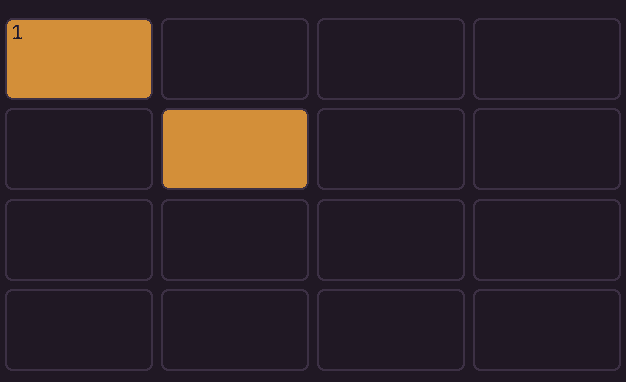
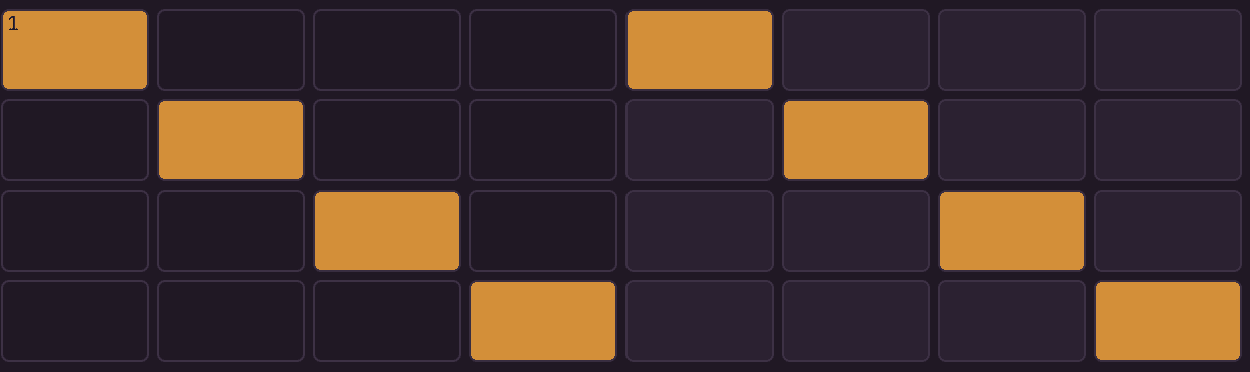
Up Down
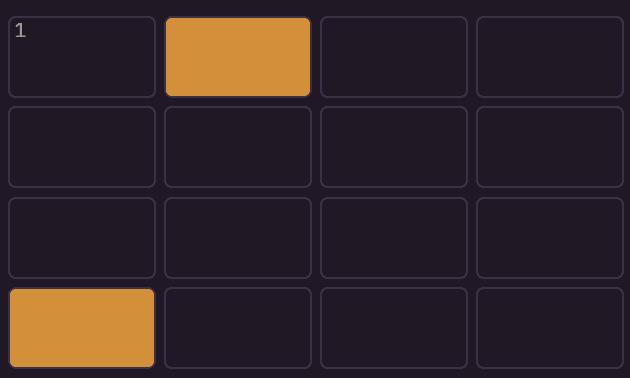
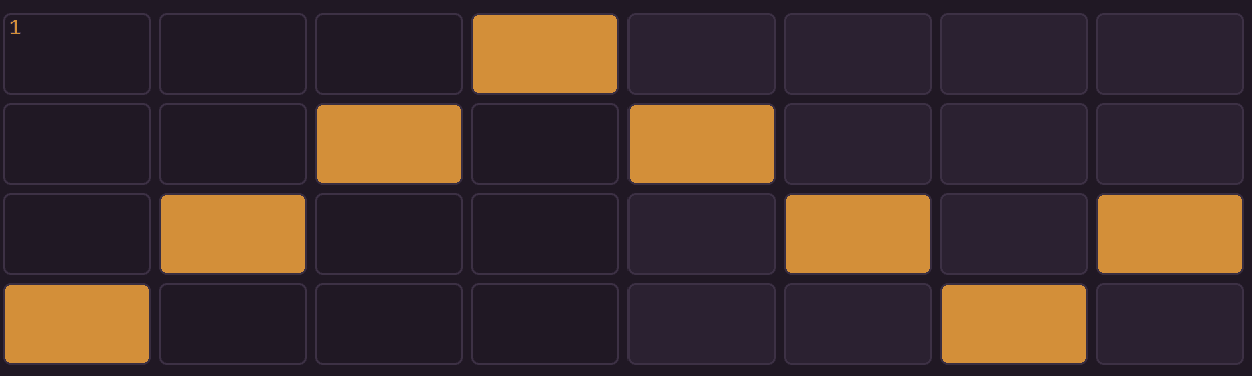
Down Up
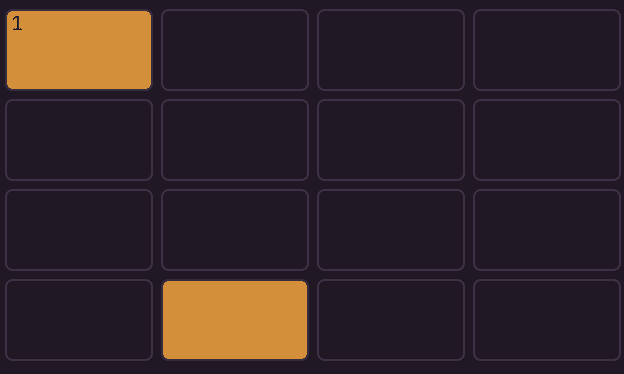
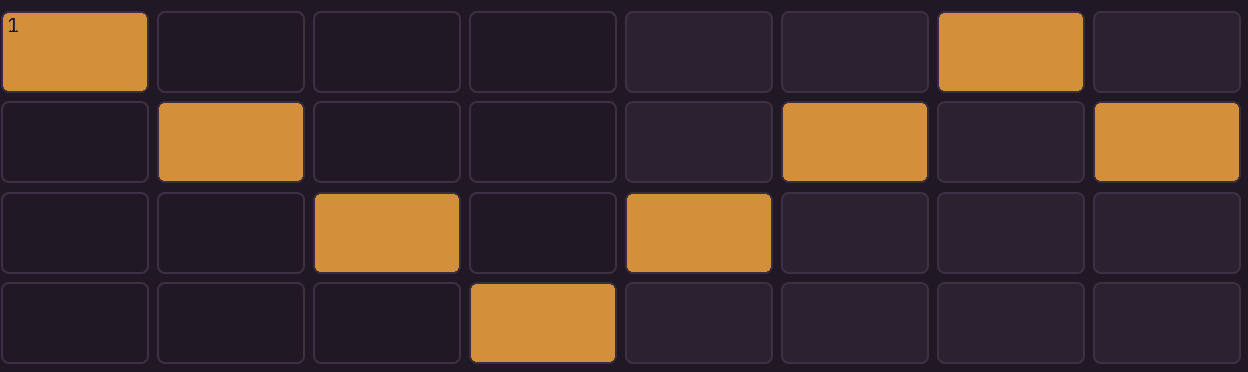
Up and Down
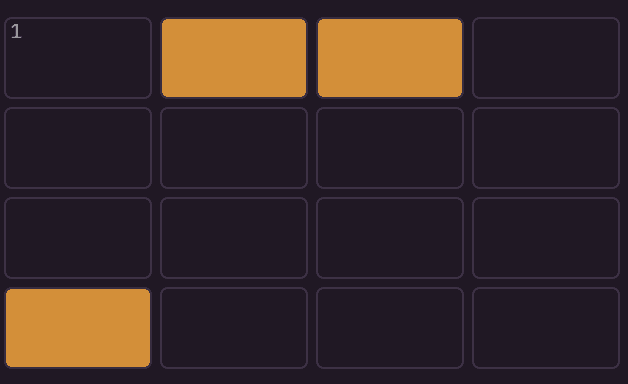
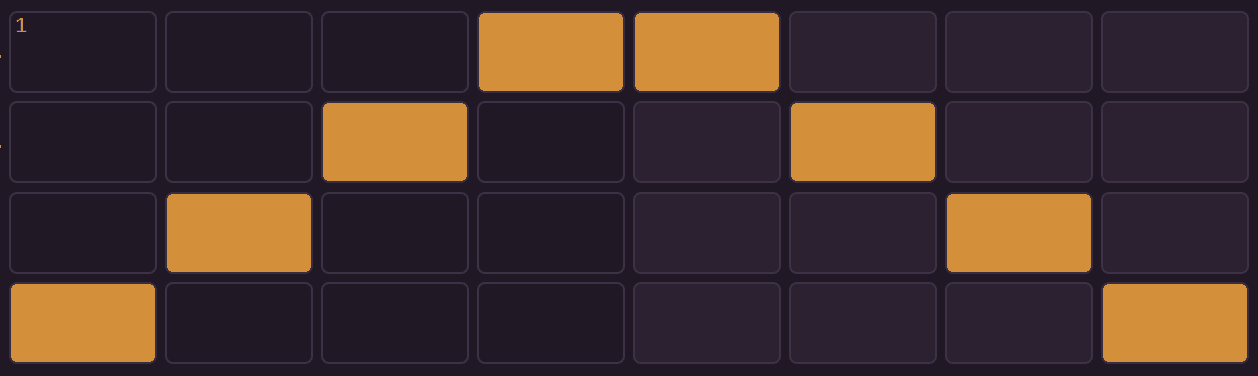
Down and Up
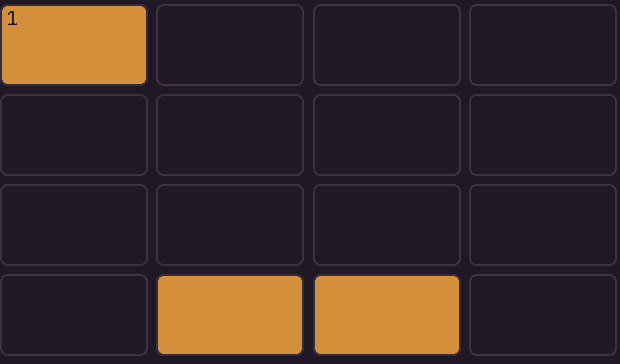
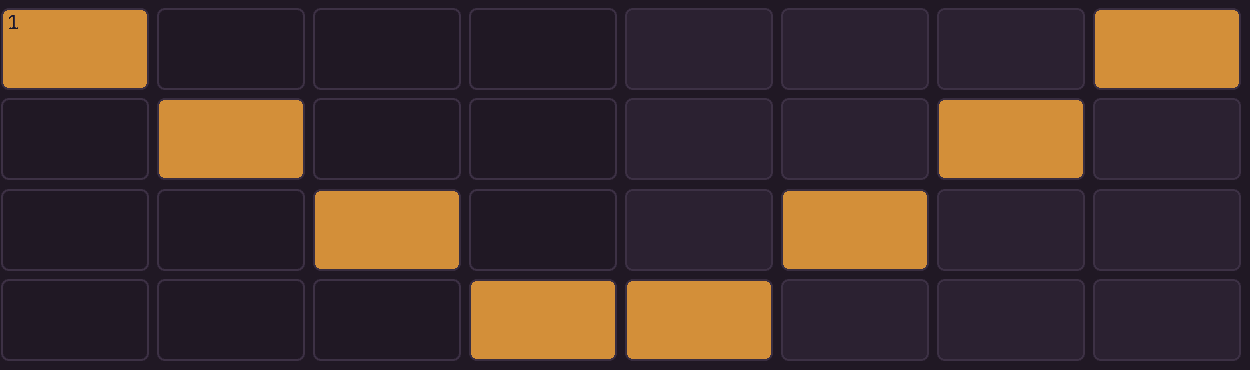
Thumb Up
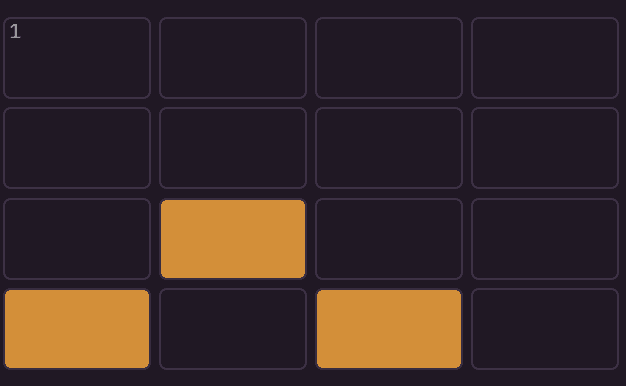
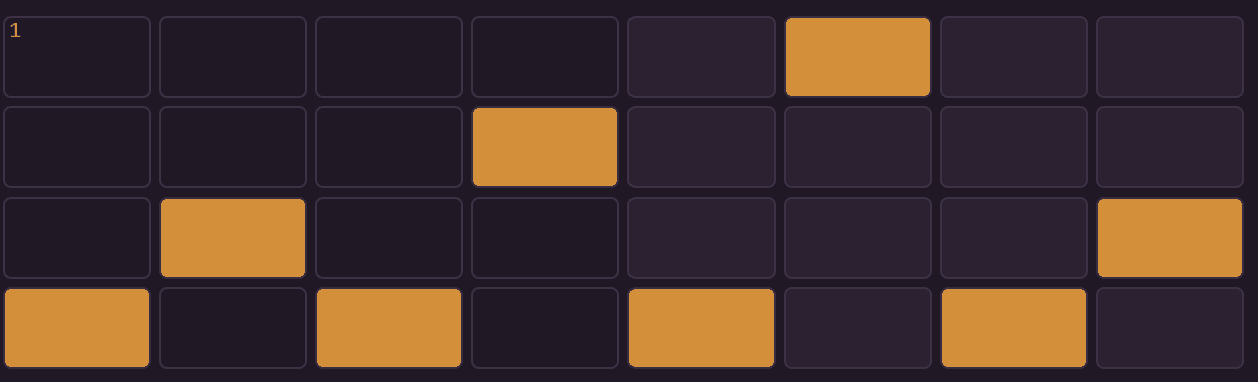
Thumb Down