
Chordprinter 2
Root Note and Chord Type
Selection of core characteristics of each chord on the timeline.
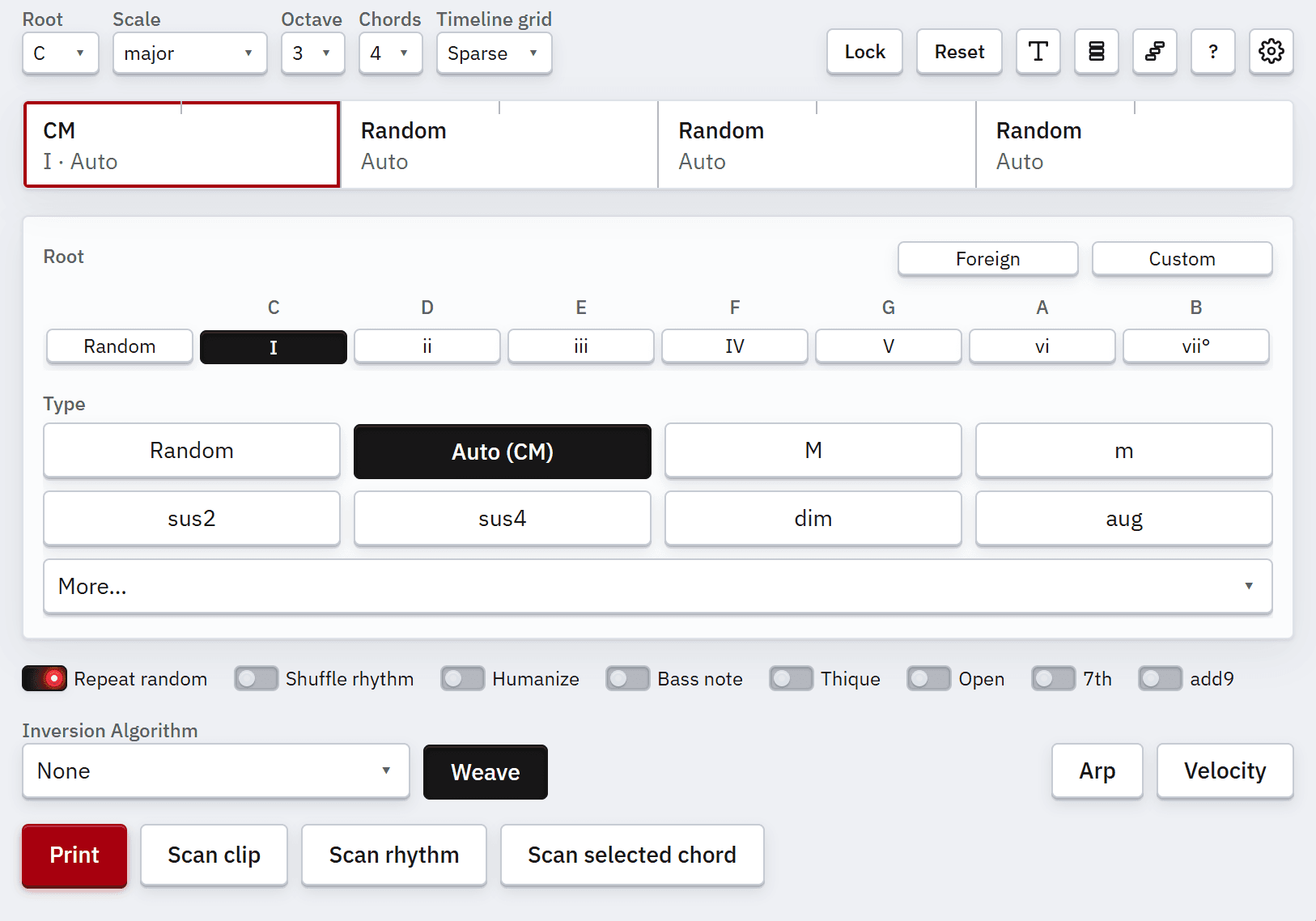
Root Note
Pick a root for the selected chord. Roman numerals are relative to the current scale. Random rolls a root on each print.
A
Root Navigate Left
D
Root Navigate Right
Foreign Roots
Turn on Foreign to pick chromatic roots outside the scale — useful when you want a bit of spice. When Random is selected and Foreign is on, each print rolls from all 12 possible roots.
F
Foreign Roots
Chord Type
Here you select the harmonic quality of the active chord. Auto picks the diatonic quality for the selected root — in other words, the chord that is in key.
Type Navigate Left
Type Navigate Right
Type Navigate Up
Type Navigate Down
More
More opens a wider selection of advanced chord types that are not shown on the main row. The More dropdown selection is also navigable with the arrow keys.
M
More Available Types