
Custom Chords and Scanning
Hand-pick every note when names run out, either via textbox or via Live's Piano Roll.
Custom Mode
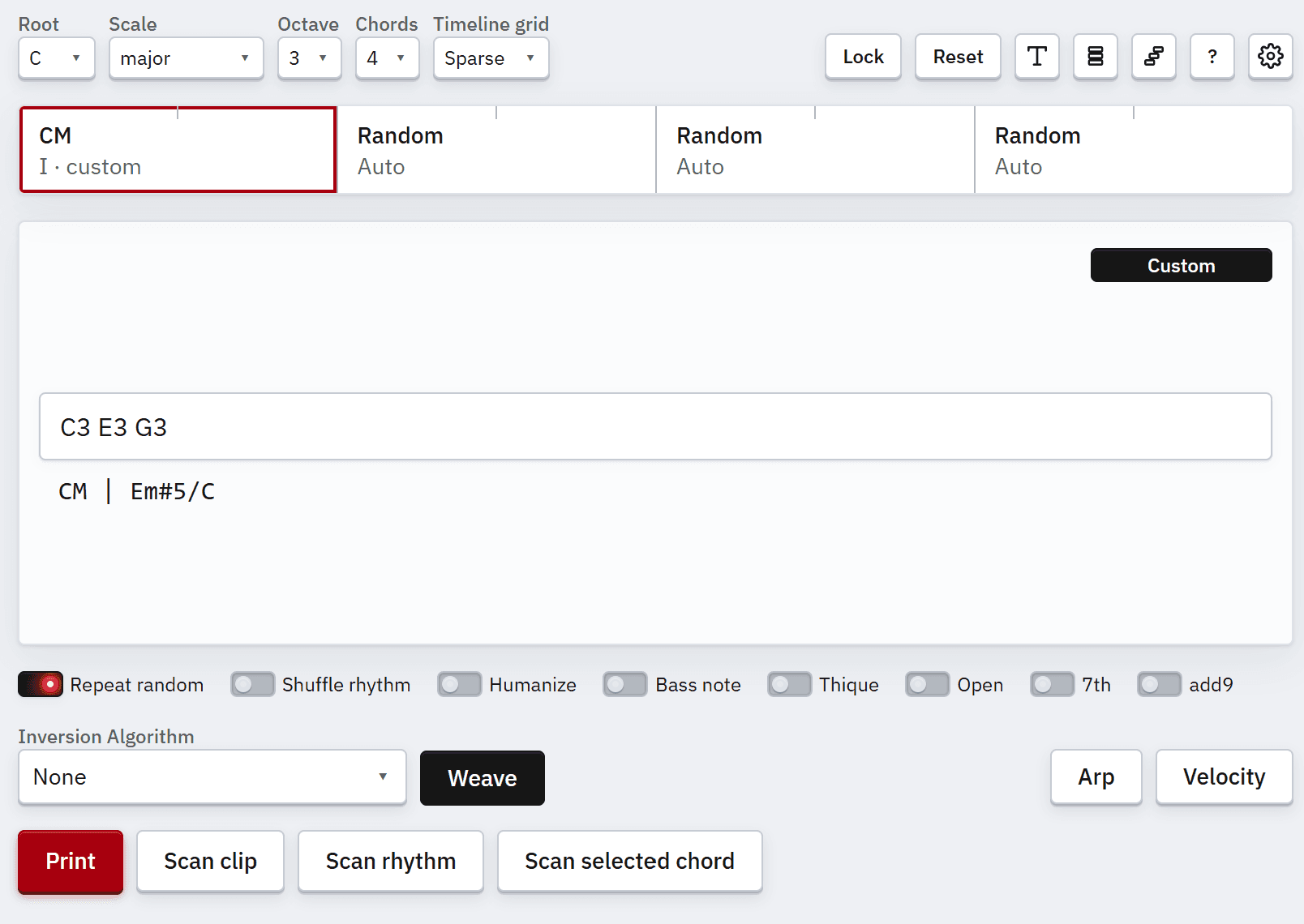
If you want precise control of each note in the selected chord, or a chord that does not have a conventional name, switch to Custom.
Custom Chord Input
Type note names with octaves into the box (e.g. G3 A3 D4). If you omit the octave number, the
selected octave is used instead. Detected chord symbols show on the timeline and are used when
printing.
Switching back to the chord picker is done by pressing Custom again. Upon switching, Chordprinter tries to figure out the chord and match it on the type and row selectors.
Scan from Live
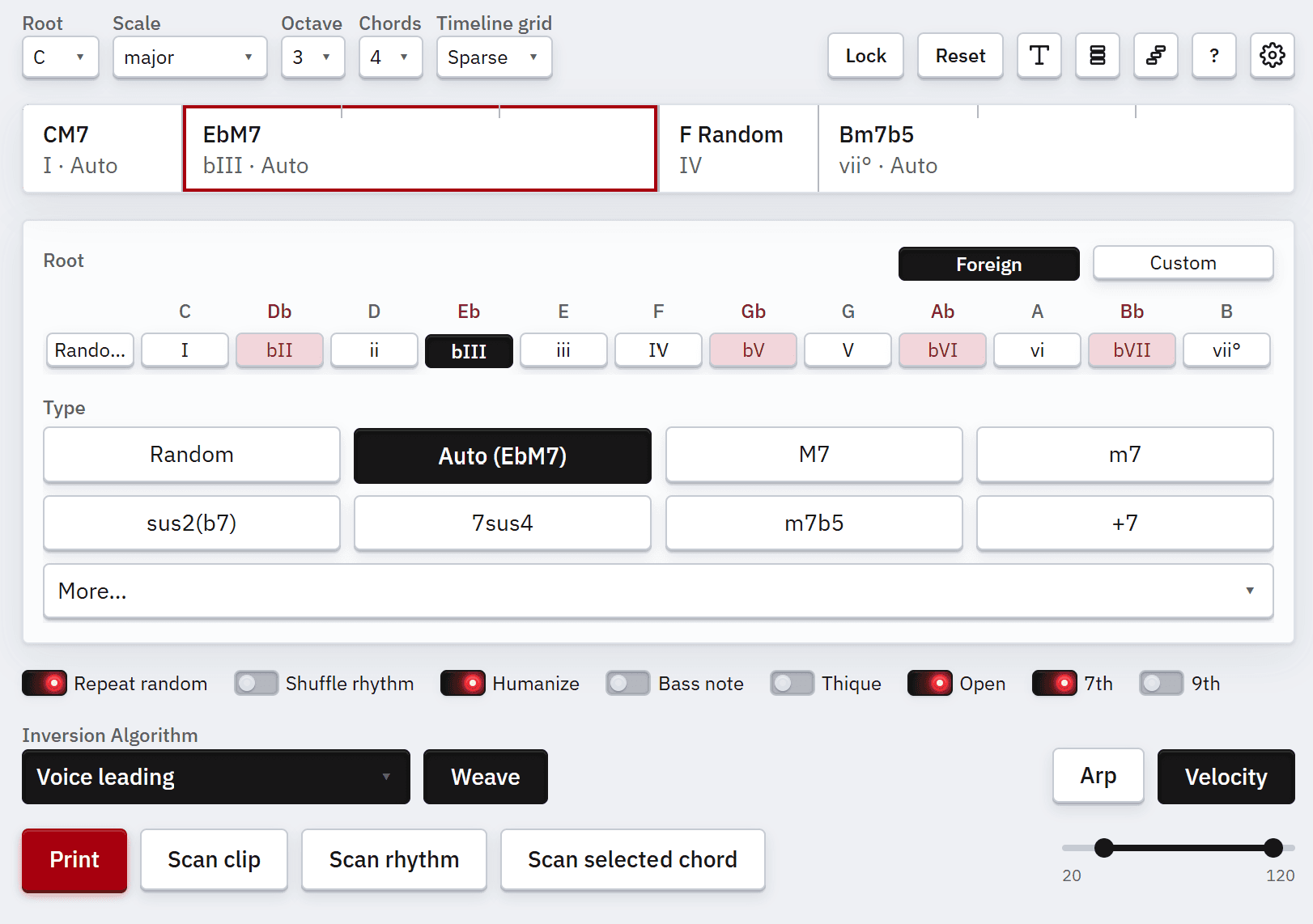
Scanning pulls MIDI data into Chordprinter.
Scan clip loads MIDI from the selected clip. Notes should be quantized and chords should not overlap for a clean scan.
Scan rhythm copies timings only and sets duration on the timeline. Existing chords stay; extra rows are removed; new rows become random Auto.
Scan selected chord writes the chord from selected notes in the clip's piano roll into the active row.
By default, scanned notes land as custom spellings. Turn on Scan to standard instead of custom in Settings to map them to standard root and type slots when Chordprinter can identify the chord.