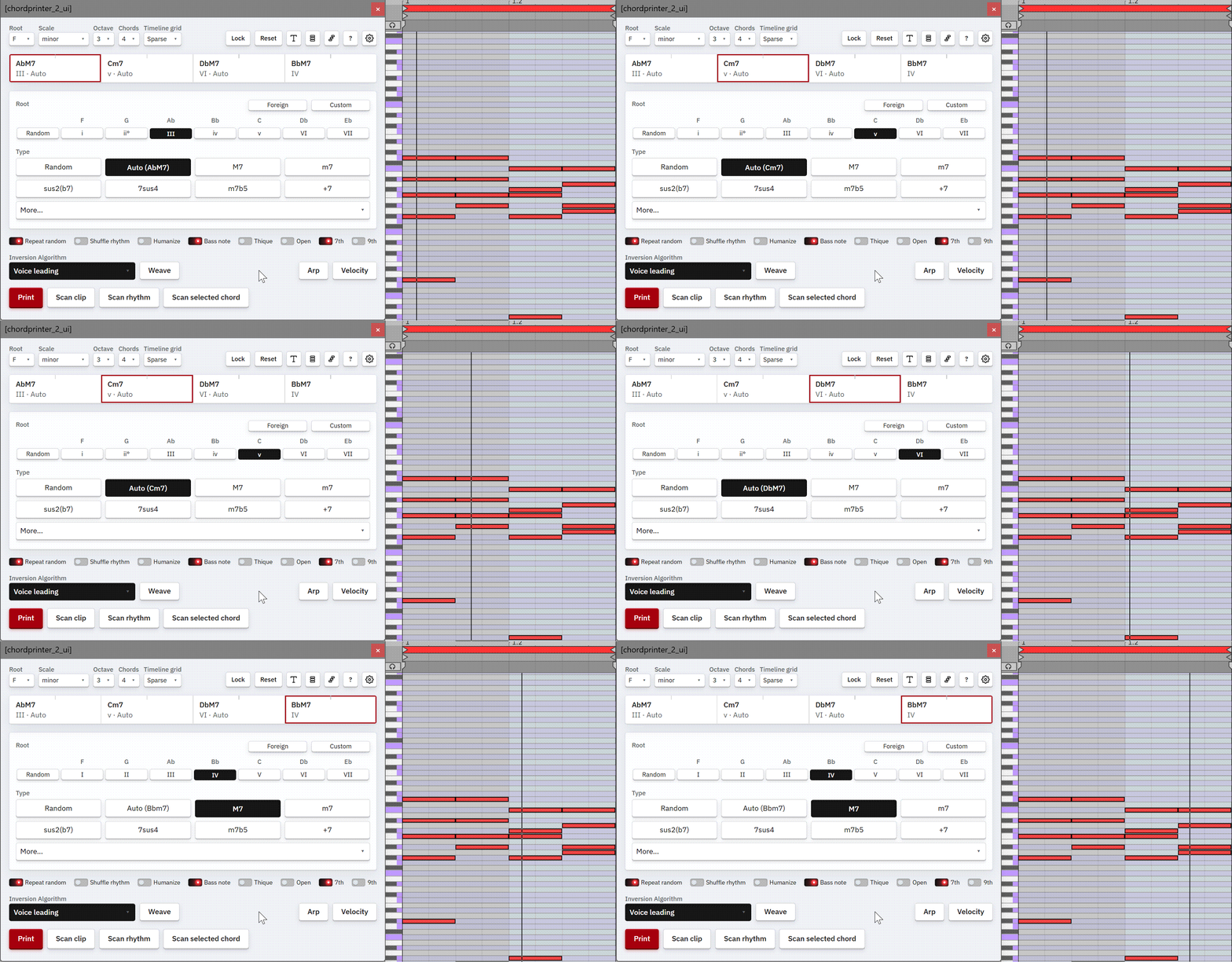
Chord Timeline
The progression strip. Select, reorder, resize, and play chords.
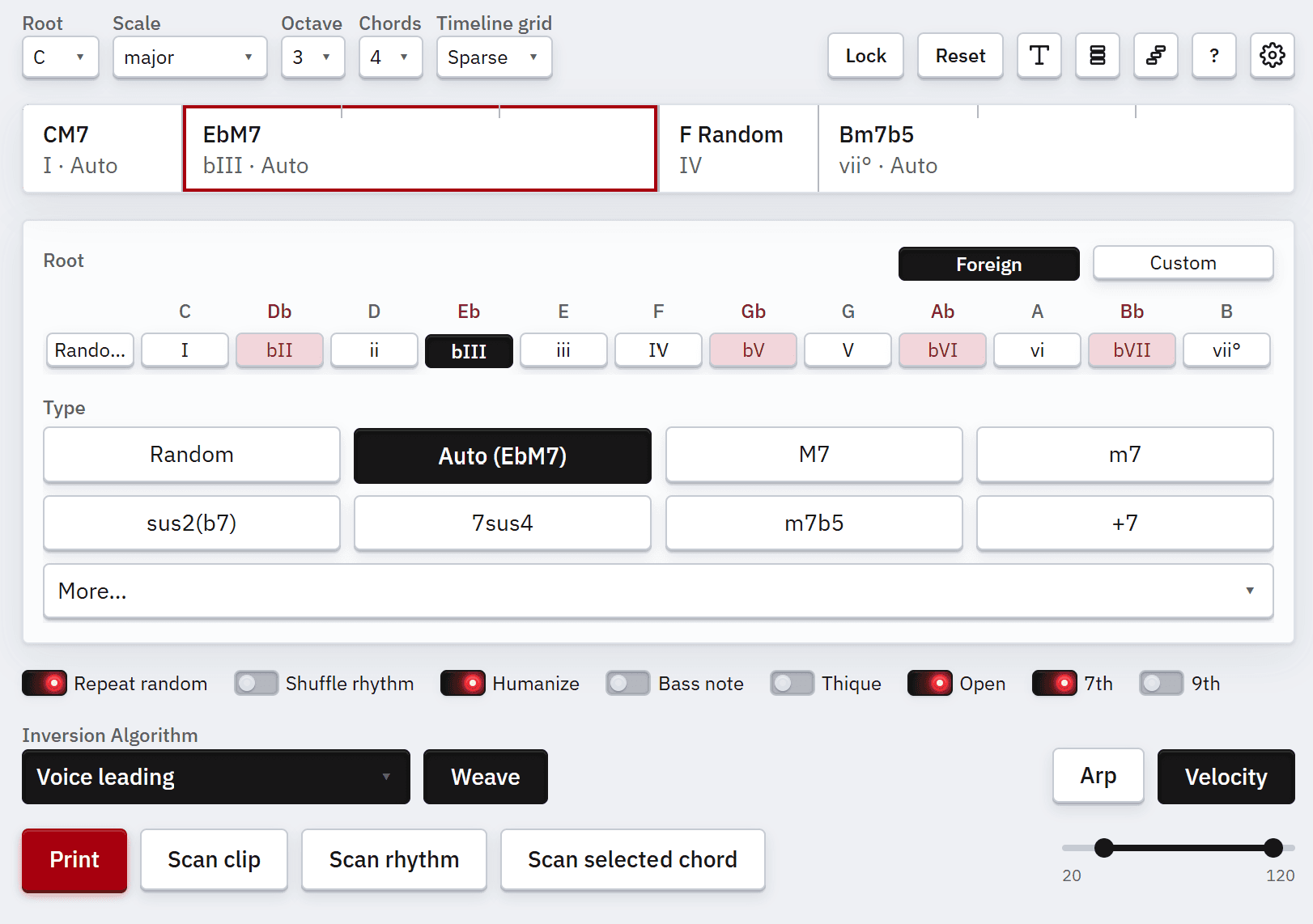
This is the chord progression. Aside from the chords themselves, it shows how long each chord takes. Click a cell to select it. Drag cells horizontally to reorder. Drag boundaries between cells to change durations. Double-click a Random root or type to lock that chord.
Playback
Space starts and stops playback in Live. Ctrl+Space starts from a position that depends on the playback mode in Settings: the active chord, the bar before the active chord, or the focused arp cell when arp is on.
By pressing Ctrl+Space, we set the playback to that designated position. If we press just Space the next time, we start the playback from that position, so there is no need to mash Ctrl+Space again and again.